SUMMARY
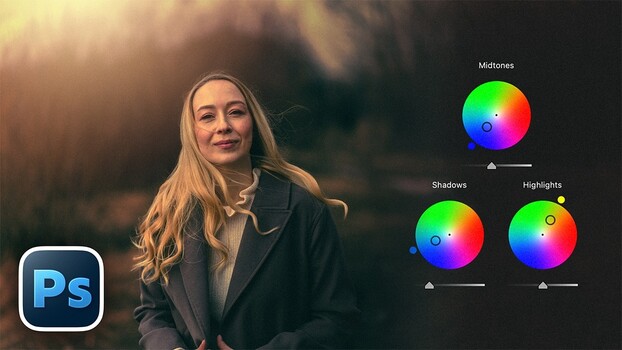
Unmesh Dinda of PiXimperfect demonstrates a two-step color grading process in Photoshop using the Camera Raw filter. The first step involves separating the subject from the background using Camera Raw's masking tools, allowing for independent adjustments to exposure and blacks. The second step focuses on color grading, utilizing Camera Raw's ability to assign distinct colors to highlights, midtones, and shadows for a deep, controlled look. The tutorial also covers creating cinematic effects, adding grain, vignettes, and using double-masking techniques for precise control over image elements.
TAKEAWAYS
Utilize Photoshop's Camera Raw filter for color grading beyond basic raw conversion.
Separate subjects from backgrounds with Camera Raw's automatic masking tools.
Apply distinct colors to highlights, midtones, and shadows independently.
Create cinematic looks with curves, grain, vignettes, and advanced masking.