SUMMARY
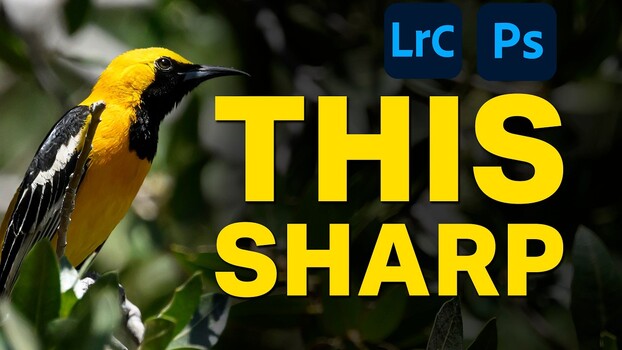
Terry Vander Heiden demonstrates two methods for sharpening wildlife photos: one in Lightroom Classic and another in Photoshop. The Lightroom workflow involves adjusting the Detail panel and using object selection for targeted sharpening. The Photoshop method is more involved, utilizing Topaz Sharpen AI on a dedicated layer, followed by precise masking with Photoshop's Select Subject tool to isolate the subject. Vander Heiden also details a cleanup step using the Clone Stamp tool to eliminate halos around the subject's edges, ensuring a natural blend with the background. For quick edits, Lightroom sharpening suffices, but for prints or high-quality shares, the Photoshop approach with careful masking yields superior detail.
TAKEAWAYS
Lightroom's Detail panel and masking offer basic sharpening for wildlife photos.
Photoshop workflows involve Topaz Sharpen AI and precise layer masking for advanced detail.
Masking is crucial in Photoshop to apply sharpening only to the subject, avoiding background artifacts.
A Clone Stamp cleanup step refines edges to prevent halos between sharpened subjects and soft backgrounds.