SUMMARY
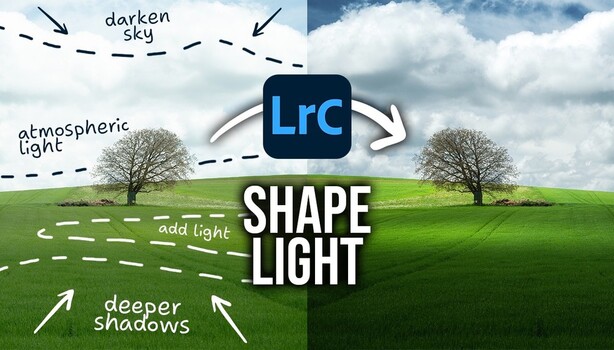
Christian Möhrle demonstrates how to use Lightroom's masking tools to reshape light in landscape photography after the shot is taken. By analyzing existing light patterns, users can apply radial and linear gradients, along with other masks, to brighten areas touched by sunlight and deepen shadows. This technique, akin to traditional dodging and burning, helps transform dull images into ones with natural depth and contrast, guiding the viewer's eye effectively.
TAKEAWAYS
Lightroom's masking tools allow post-capture light shaping in landscape photography.
Mimic natural light by applying adjustments to areas where sunlight already falls.
Use radial gradients for sunlit patches and linear gradients for shadows.
Precise local adjustments in Lightroom can rebuild flat images with depth and contrast.