SUMMARY
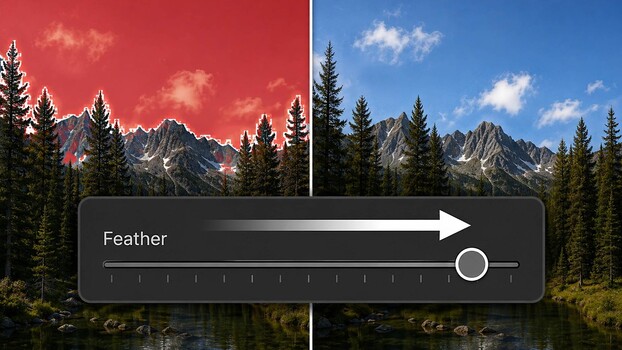
Lightroom's masking tools now feature two new sliders: feather and edge, designed to clean up imperfect selections around objects like trees and horizons. These sliders allow users to refine mask boundaries after adjustments are made, shifting the workflow closer to a painting-like approach. The feather slider blurs the mask's edge, while the edge slider expands or contracts it. These controls are compatible with AI-generated masks, including subject, sky, and background selections, but not with brush or gradient tools which have their own feather settings. A separate crop mask opacity feature has also been added to Lightroom Classic.
TAKEAWAYS
New feather and edge sliders improve Lightroom mask refinement.
Controls address haloing and mushy edges around subjects.
Sliders work with AI masks but not brush or gradient tools.
Workflow shifts to refining selections after adjustments.