SUMMARY
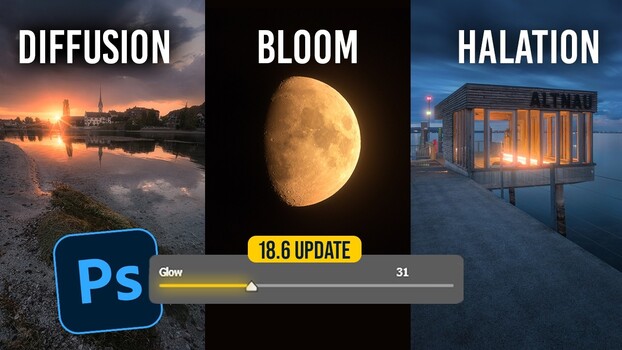
Adobe Camera Raw 18.6 now features a dedicated glow slider, consolidating manual editing techniques like diffusion, bloom, and halation into a single control. Photographer Christian Möhrle demonstrates how the slider's style, range, spread, and warmth options can be used to create soft, glowing light effects, replacing complex multi-step workflows. The bloom style is highlighted for its dreamy quality, while halation, inspired by videography, specifically targets and enhances bright light sources with warm tones. This update reflects Adobe's trend of integrating complex editing processes into user-friendly tools, allowing for more efficient and targeted light shaping.
TAKEAWAYS
Camera Raw 18.6's new glow slider combines diffusion, bloom, and halation effects.
The slider offers controls for style, range, spread, and warmth to shape light.
Bloom is favored for its dreamy effect, while halation enhances bright light sources.
This tool simplifies creating soft light effects previously requiring complex masking.