SUMMARY
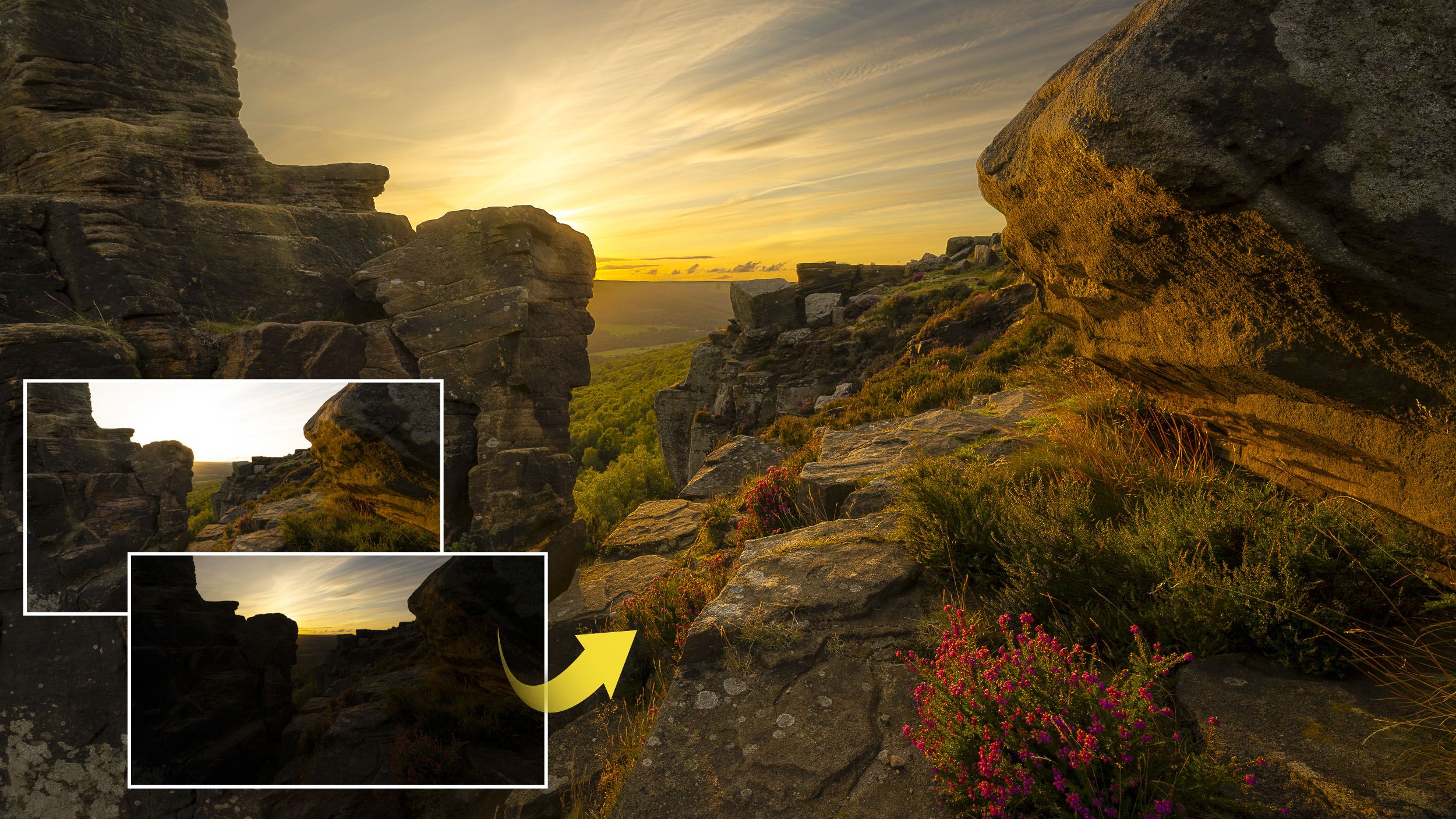
Achieve balanced exposures in landscape photography, especially during sunset, by using bracketed images and Affinity Photo's Live Masks. The tutorial details how to align images, add a Luminosity Range Mask to blend based on pixel lightness, and fine-tune the blend with blur radius. It also covers using Hue Range Masks to adjust specific colors, like boosting flowers, and the Clone Stamp tool for final touch-ups to remove any haloes.
TAKEAWAYS
Use bracketed exposures for challenging lighting conditions in landscapes.
Affinity Photo's Live Masks (Hue, Luminosity, Band-pass) aid in blending exposures.
Luminosity Range Masks blend based on pixel lightness for exposure blending.
Hue Range Masks can be used to selectively adjust colors within the blend.