SUMMARY
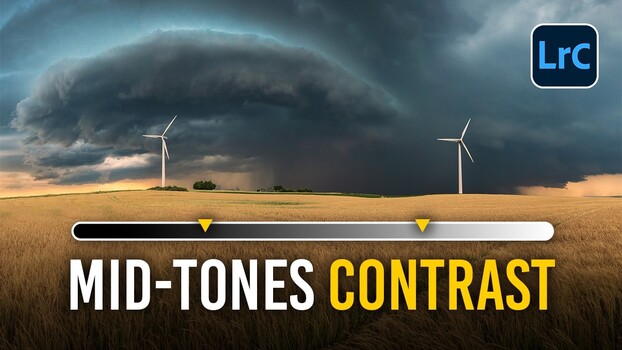
Photographer Christian Möhrle demonstrates how to transform a flat panoramic sky into a dramatic storm scene using layered contrast adjustments in Lightroom. The process involves merging raw files, correcting color and exposure, and then applying global contrast subtly. The key to the transformation lies in local adjustments using masks, where contrast and clarity are selectively boosted to enhance cloud texture and separation. This layered approach, focusing on midtone contrast with clarity, mimics traditional dodging and burning for a more controlled and impactful edit.
TAKEAWAYS
Layered contrast and clarity adjustments in Lightroom can dramatically enhance flat skies.
Local adjustments using masks are more effective than global settings for cloud texture.
Clarity targets midtones, adding 'pop' to cloud edges without harshness, unlike global contrast.
Masking techniques, including inverted landscape masks and radial gradients, are crucial for targeted edits.