SUMMARY
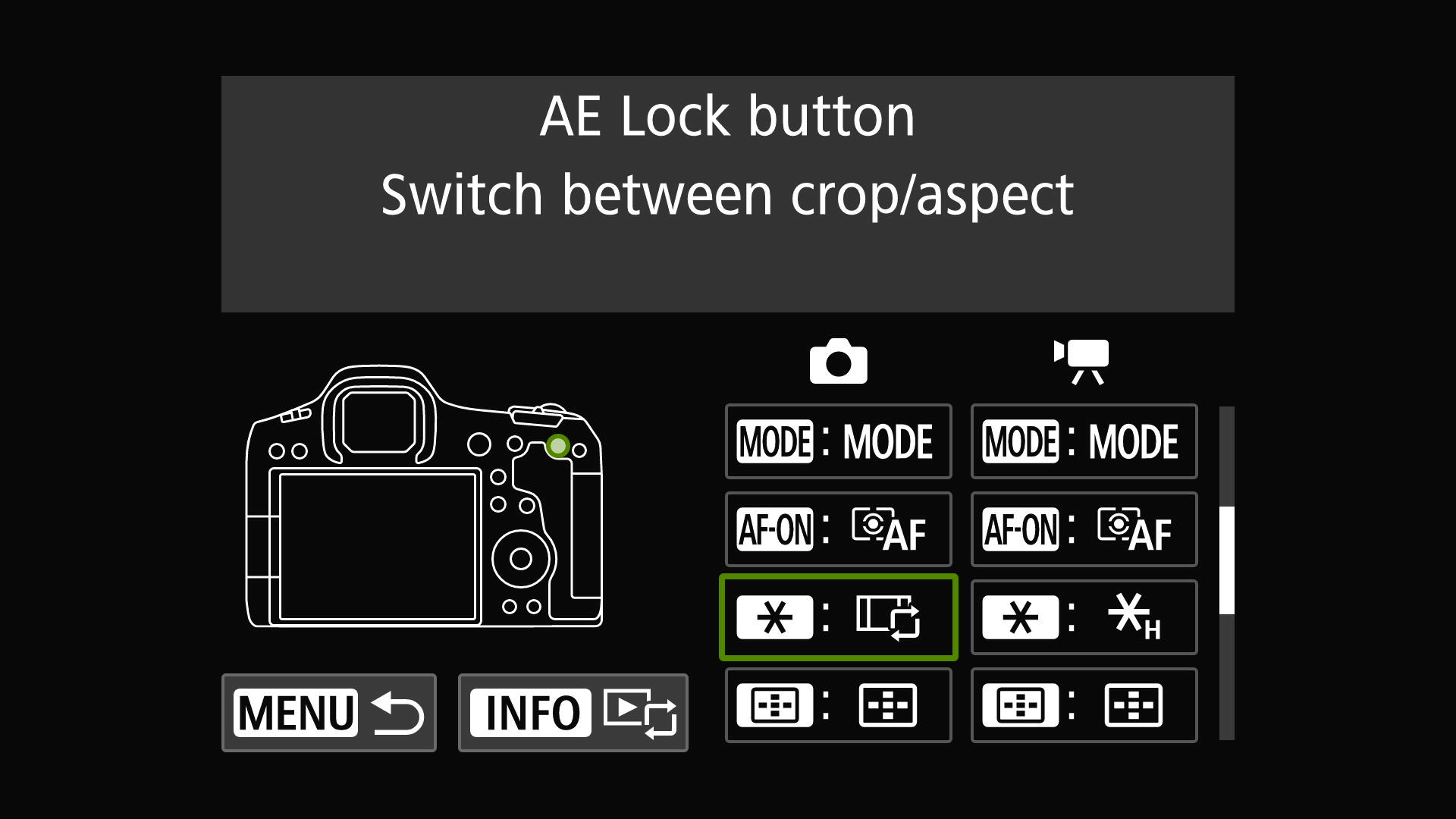
Photographers can significantly enhance their workflow on Canon EOS mirrorless cameras by customizing buttons. The star (*) button, often unused for AE lock, can be reassigned to instantly switch between full-frame and 1.6x crop modes, effectively extending lens reach without changing lenses. This customization is particularly useful for action photography, saving editing time by reducing the need for post-capture cropping. Beyond crop modes, the star button can also be programmed to toggle AF modes (One-Shot to Servo), activate Eye Control AF, switch to Action Priority AF, turn off the screen to save battery, or access White Balance settings.
TAKEAWAYS
Customize the star (*) button on Canon EOS cameras for quick access to features.
Assigning crop modes to the star button extends lens reach and saves editing time.
Other useful assignments include AF mode switching, Eye Control AF, and battery-saving screen-off.
Customization helps avoid menu diving and ensures users don't miss critical shots.