SUMMARY
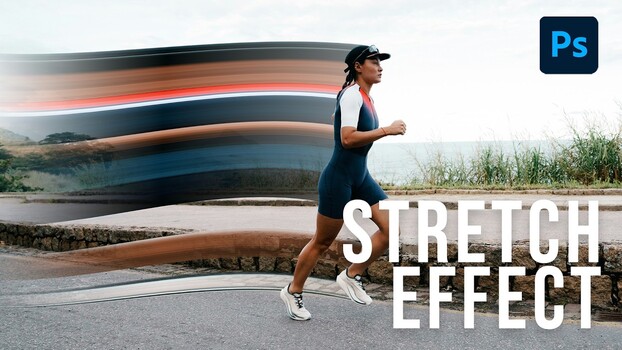
Photographer Aaron Nace demonstrates how to achieve a high-end "pixel stretch" effect in Photoshop, adding motion and graphic energy to images. The technique utilizes the often-ignored single-column marquee tool to select a thin strip of pixels, which is then stretched and warped to create streaks. Layer masks and gradients are used to control the fade and integrate the effect believably, making it suitable for editorial, album covers, and social content.
TAKEAWAYS
The pixel stretch effect adds motion and graphic energy to photos.
It is created in Photoshop using the single-column marquee and Warp tools.
Layer masks and gradients control the effect's fade for believability.
This post-production technique works on portraits, products, and action shots.