SUMMARY
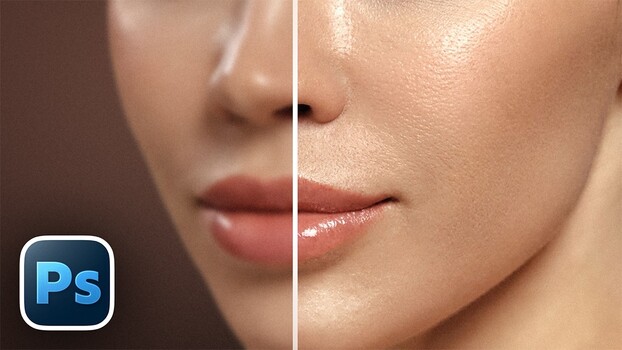
A technique within Photoshop's frequency separation workflow can recover skin detail flattened by heavy retouching. By duplicating the high-frequency layer, which isolates texture from tone and color, sharpness and detail are restored. This method can be used even without softening skin, acting purely as a sharpening tool. The "Blend If" feature helps control the intensity of the effect, preventing unnatural shine or halos in shadow areas by allowing for gradual transitions.
TAKEAWAYS
Frequency separation isolates skin texture from tone and color.
Duplicating the high-frequency layer restores lost sharpness and detail.
The "Blend If" feature controls the effect's intensity in shadows.
Masking can be used to apply added texture selectively for a natural depth effect.