SUMMARY
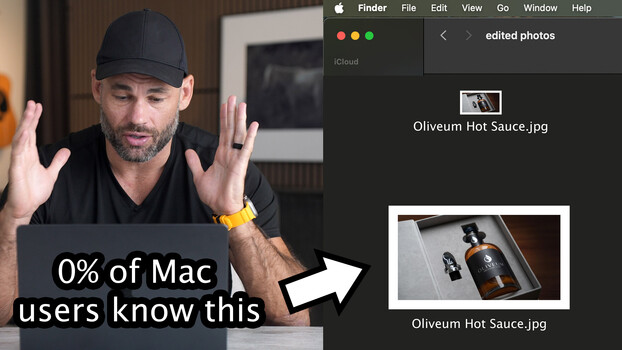
macOS file picker windows often display microscopic thumbnails, unlike standard Finder windows, and lack a slider to adjust their size. A simple Terminal command can permanently enlarge these icons to a user-defined pixel size, such as 256 pixels, allowing for better focus verification before uploading files. If the chosen size is too large for the screen, the command can be re-run with a smaller value.
TAKEAWAYS
macOS file picker thumbnails are tiny by default.
A Terminal command can permanently enlarge these icons.
The icon size can be adjusted to user preference.
This allows for easier focus verification before uploading.