SUMMARY
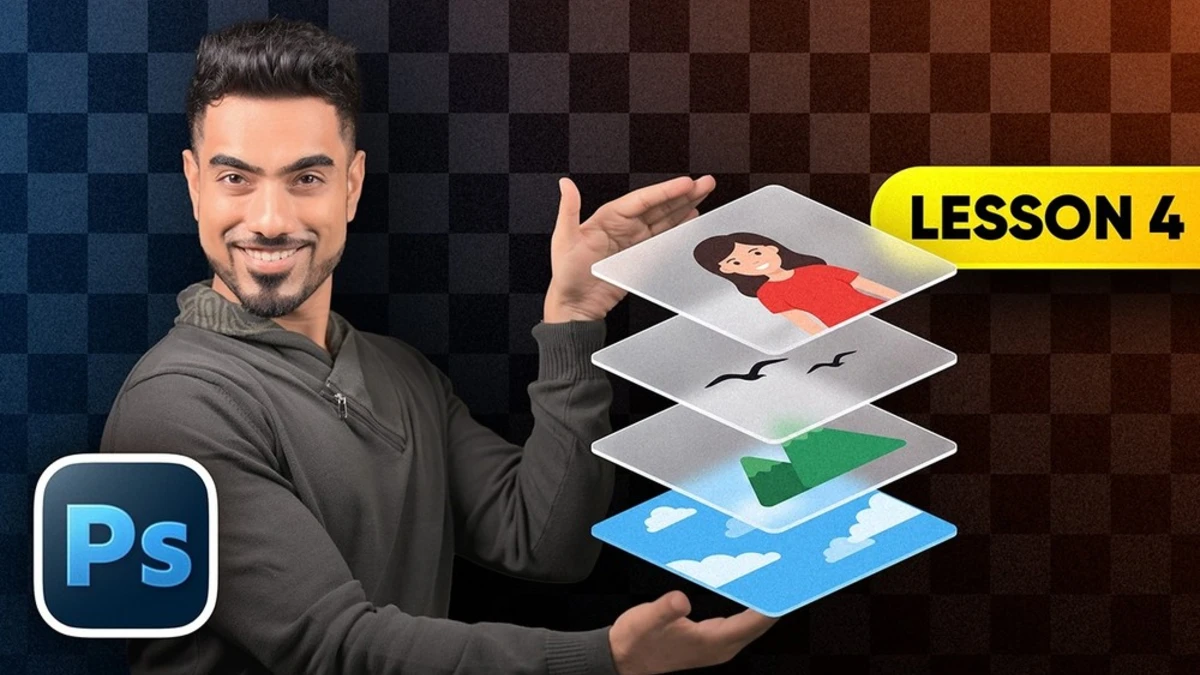
This guide explains Photoshop's Layers panel as the core of non-destructive editing, allowing for reversible changes hours after initial edits. It covers fundamental concepts like opacity shortcuts, the special nature of the background layer, and the importance of transparency. Advanced techniques such as Adjustment Layers, Smart Objects, Smart Filters, and Blend If sliders are detailed, emphasizing how to keep edits editable. The article also introduces the 'stamp visible' layer shortcut for applying filters non-destructively and explains clipping masks for targeted adjustments.
TAKEAWAYS
Photoshop layers are essential for reversible edits and non-destructive workflows.
Master opacity shortcuts, background layer behavior, and transparency exports (PNG vs. JPEG).
Utilize Adjustment Layers and Smart Objects/Filters to keep edits editable.
Employ 'stamp visible' layers and clipping masks for advanced, targeted adjustments.