SUMMARY
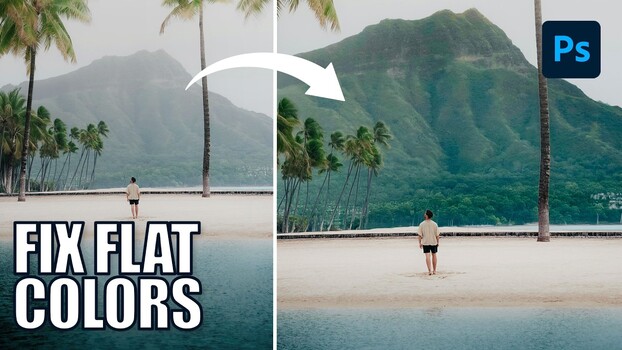
Photoshop 2026 introduces a Clarity and Dehaze adjustment layer that can significantly improve images with atmospheric haze. Instead of applying the effect globally, which can appear heavy-handed, the tutorial demonstrates how to use selection tools to isolate hazy areas. Once selected, the adjustment layer automatically applies the effect only to the masked region. The process involves using tools like Object Selection to define areas and then creating the adjustment layer, which populates the layer mask with the selection. Additionally, the tutorial shows how to efficiently copy layer masks between adjustment layers and suggests using Vibrance over Saturation for more natural color enhancements.
TAKEAWAYS
Photoshop 2026's Dehaze tool is best used with targeted selections.
Object Selection tool can isolate background elements for precise edits.
Layer masks can be copied between adjustment layers to save time.
Vibrance is recommended over Saturation for natural color boosts.