SUMMARY
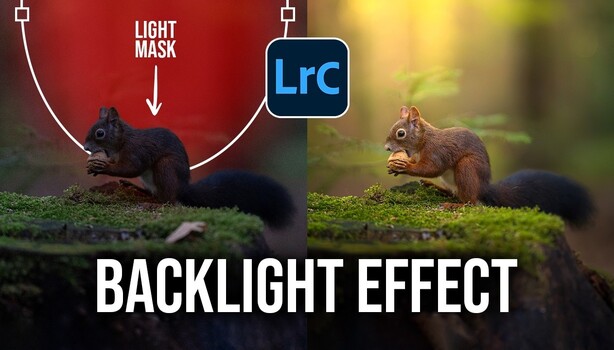
Photographer Christian Möhrle illustrates how to create a dramatic light beam effect within Lightroom, transforming a dark, high-ISO image into an atmospheric portrait. The process involves extensive use of Lightroom's masking features, including radial and linear gradients, subject masks, and the intersect function, to build and shape the light. Möhrle also details initial adjustments like denoising, exposure correction, and white balance shifts to prepare the base image. This technique highlights the advanced capabilities of Lightroom's masking tools, which now rival Photoshop for certain compositing tasks, allowing for greater control over lighting and viewer attention.
TAKEAWAYS
Lightroom masking tools can create composite lighting effects like light beams without Photoshop.
The edit involves layering radial gradients, subject masks, and intersect masks for realistic light.
Initial steps include denoising, exposure adjustments, and white balance correction.
The technique is useful for adding controlled lighting when original conditions are suboptimal.