SUMMARY
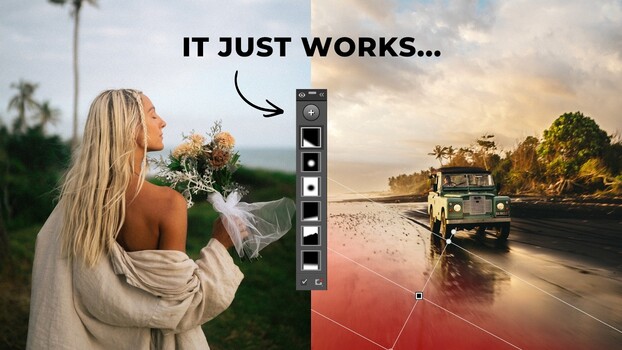
Sean Dalton provides a comprehensive tutorial on Lightroom's masking tools, explaining how they bridge the gap between basic and professional photo edits. The video covers AI-powered selections like subject, sky, and background, alongside manual tools such as brushes, linear and radial gradients, and color/luminance range selections. Dalton illustrates their application through practical examples, including light shaping in a forest scene, refining a beach portrait, and enhancing a coastal landscape with targeted color adjustments.
TAKEAWAYS
Lightroom's masking tools are crucial for professional-looking edits.
The tutorial covers AI selections (subject, sky, background) and manual tools (brush, gradients).
Real-world examples demonstrate techniques like light shaping and selective color adjustments.
The intersect tool and color range selector are highlighted for advanced refinement.