SUMMARY
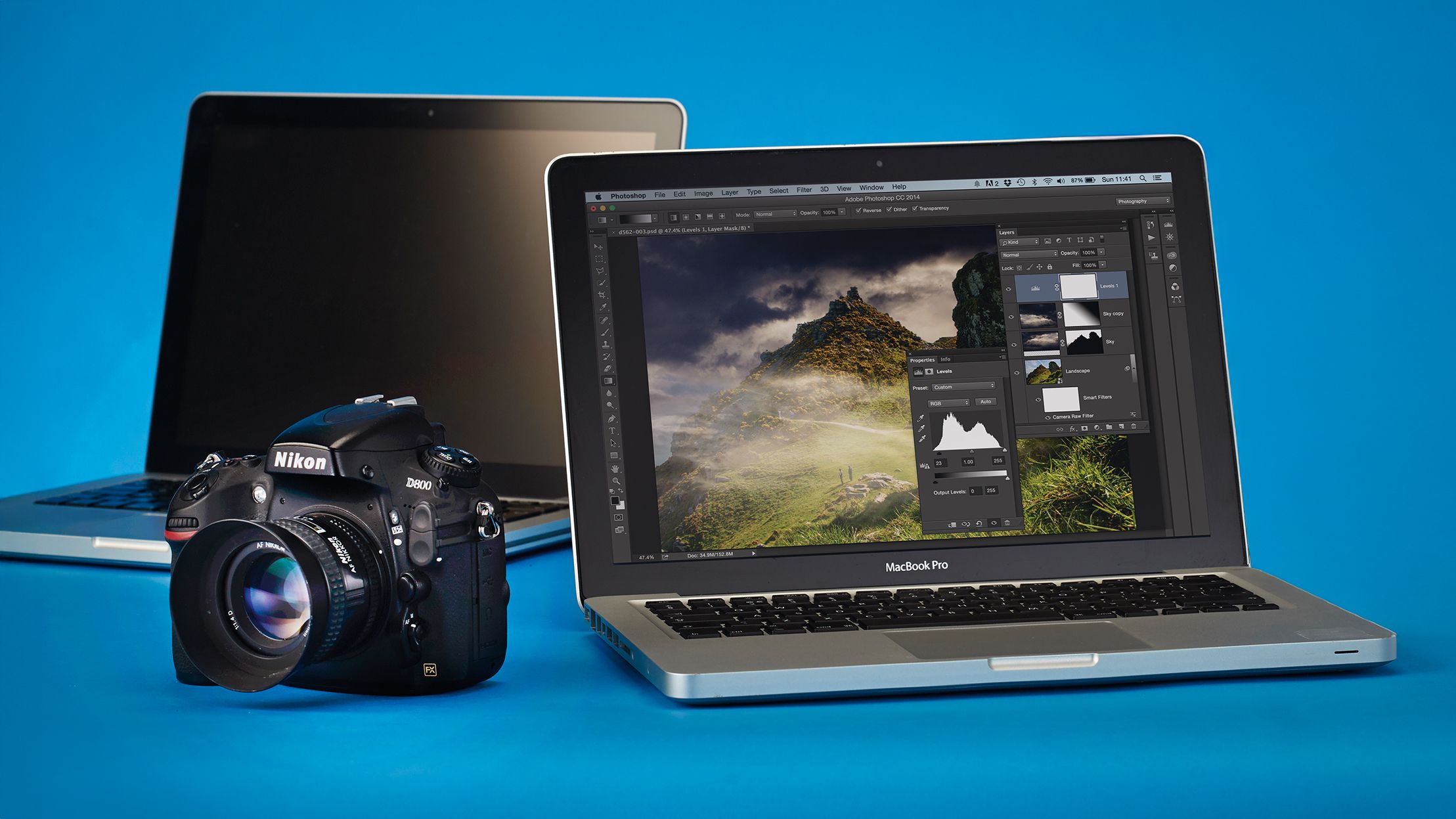
Transferring photos from your camera to a computer is a crucial first step for editing or sharing. Three primary methods are available: direct USB connection using a cable, utilizing a memory card reader (either built-in to a laptop or external), or transferring wirelessly to a smartphone app and then to your computer. While USB is simple, speed varies. Card readers are generally fastest, but dependent on card, reader, and computer speeds. The smartphone method offers wireless convenience when away from cables and readers, by first transferring to a phone or tablet via a camera manufacturer's app.
TAKEAWAYS
Connect your camera directly to a computer via USB cable.
Use a memory card reader (internal or external) for faster data transfer.
Transfer photos wirelessly to a smartphone app, then to your computer.