SUMMARY
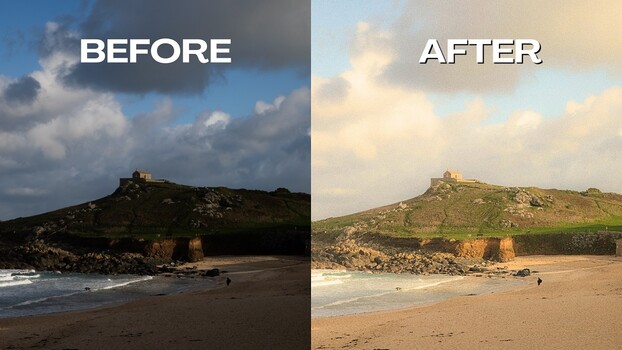
Max Kent provides a tutorial on building a Lightroom Classic preset to emulate the look of color film stocks such as Kodak Gold 200. The process involves adjusting tones, temperature, clarity, and dehaze to achieve a pastel, washed-out quality. Kent emphasizes careful attention to the grain setting, noting that its appearance can differ significantly between screen preview and export. He also explores individual shot adjustments using HSL sliders to fine-tune the preset's application across various images. Additionally, the tutorial briefly touches on DxO PhotoLab 9 as a subscription-free alternative with a Nik Collection add-on for effects like halation, which Lightroom lacks natively.
TAKEAWAYS
Create Lightroom presets to mimic film aesthetics in digital photos.
Adjust tone, temperature, clarity, and dehaze for a washed-out film look.
Fine-tune HSL sliders for specific color adjustments on different shots.
DxO PhotoLab 9 is presented as a subscription-free alternative with halation effects.