SUMMARY
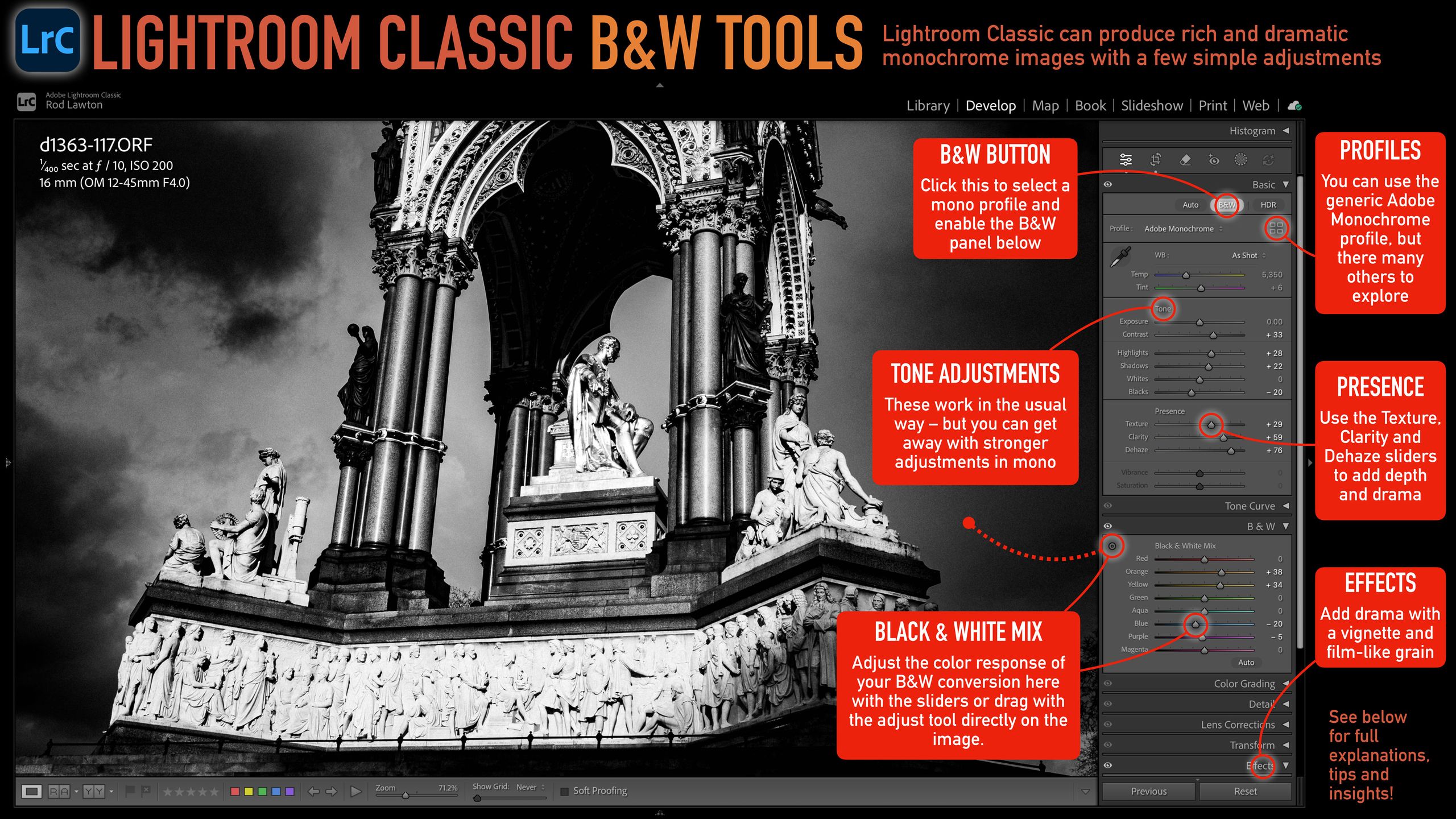
Lightroom Classic provides a suite of tools for creating dramatic black and white images. The B&W button converts the editing interface, allowing adjustments via the B&W panel to mix color ranges for desired monochrome effects. Tone adjustments like Contrast can be applied more aggressively than with color images. Presence sliders, including Texture, Clarity, and Dehaze, can significantly enhance the impact of black and white photos without color saturation issues. Additionally, custom B&W Profiles offer unique looks, and the Effects panel includes Post Crop Vignetting and a realistic Grain effect.
TAKEAWAYS
Lightroom Classic's B&W mode offers color mixing tools for monochrome conversions.
Tone and Presence sliders can be used more aggressively for dramatic black and white effects.
Dedicated B&W Profiles and Effects panel tools like Vignetting and Grain enhance monochrome images.