SUMMARY
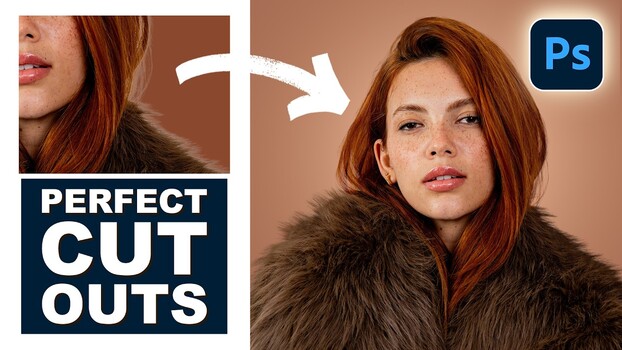
Hair fringing after background removal in Photoshop is a common issue, but it's not due to flawed layer masks. The problem stems from edge pixels retaining original background color data. Aaron Nace demonstrates a technique using clipping masks and the clone stamp tool to resolve this. By creating a clipped layer above the subject, users can sample hair from within the subject and paint towards the edges, effectively replacing fringe pixels with authentic subject detail. This method ensures the edited edges appear natural against any new background, with options for non-destructive workflows and handling directional hair using Warp transform.
TAKEAWAYS
Hair fringing is caused by leftover background color data in edge pixels, not bad layer masks.
Clipping masks and the clone stamp tool can fix fringing by replacing edge pixels with subject detail.
The technique involves painting or cloning onto a clipped layer to keep edits within the subject's boundaries.
Warp transform can be used to adjust cloned hair to match curves and directional flow.