
Why Your Raw Files Look Nothing Like the Real Thing
Summary
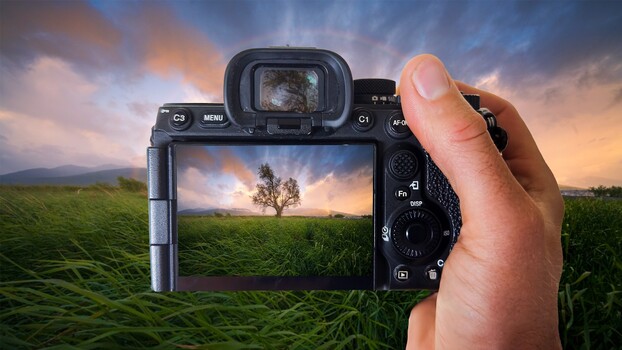
Landscape photography can be deflating when raw files appear flat compared to the real scene. William Patino's video shows how to bridge this gap by processing raw files to match the visual experience. He begins with a landscape profile in Camera Raw, then uses vibrance and saturation adjustments, followed by color grading with HSL wheels to create warm-cool contrast. Localized adjustments with the brush tool refine exposure and contrast, aiming to reveal captured detail rather than invent it.
Key points
- Raw files often look flat compared to the actual scene captured.
- Processing involves starting with a landscape profile in Camera Raw.
- Vibrance, saturation, and HSL adjustments are used for color correction.
- Local adjustments and saving as a smart object help refine the final image.