
Photoshop's Point Color Tool for Precision Editing
Summary
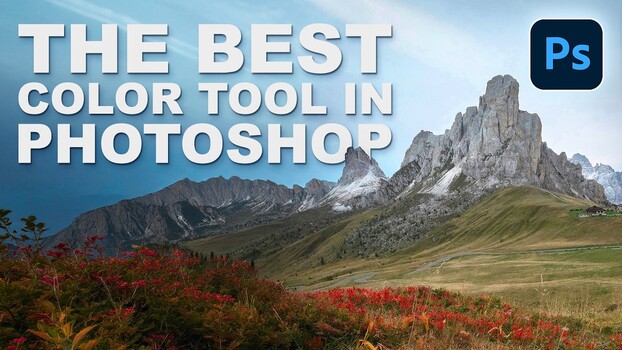
Photoshop's Point Color tool, located within Camera Raw, provides advanced color grading capabilities that surpass standard Hue/Saturation adjustments. This feature allows users to isolate specific colors using an eyedropper and then precisely control their hue, saturation, luminance, variance, and range. By converting layers to smart objects, edits made with Point Color are non-destructive and can be revisited and refined later. The tool's variance and range controls enable nuanced adjustments, ensuring that edits are realistic and do not bleed into unintended color areas.
Key points
- Point Color in Camera Raw offers more precision than standard Hue/Saturation.
- Users can isolate and edit specific colors with sliders for hue, saturation, luminance, variance, and range.
- The tool functions as a non-destructive smart filter, allowing for later adjustments.
- Variance and range controls help refine edits for realistic and targeted color modifications.