
Photoshop Luminosity Masks for Natural Edits
Summary
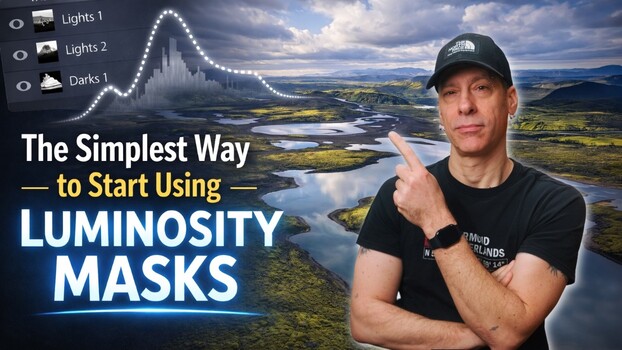
Andrea Livieri explains Photoshop's luminosity masks, a technique that selects image areas based on brightness for more natural edits. Unlike Lightroom's uniform adjustments, Photoshop's masks allow each pixel to respond according to its brightness, creating a 'slope' effect where brighter areas are affected more. Livieri demonstrates manual mask creation using Photoshop's Channels panel and Curves adjustment layers, highlighting the 'white reveals, black conceals' rule. He also covers 'masking the mask' for finer control and compares the results to Lightroom's luminance range tool, showing Photoshop's advantage in preserving detail and smooth transitions.
Key points
- Luminosity masks select image areas based on brightness for selective editing.
- Photoshop masks adjust pixels based on their individual brightness, unlike uniform selections.
- Techniques include using Channels and Curves, and 'masking the mask' for control.
- This method yields cleaner skies and richer tones compared to Lightroom's luminance tool.