
Lightroom's Transform panel does far more than straighten horizons
Summary
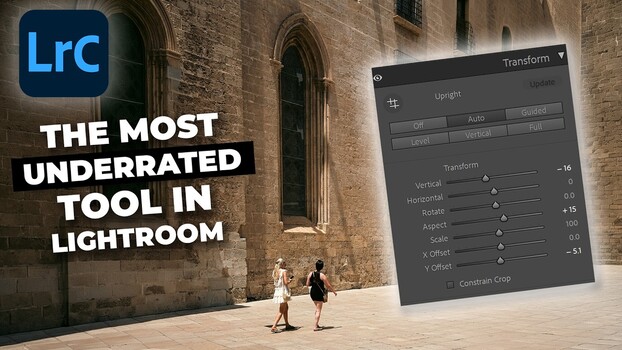
Lightroom's Transform panel has a reputation for being a one-click fix, but it can do far more than straighten a crooked horizon. Most people hit "Auto" and move on, leaving a set of sliders untouched that can genuinely reshape how a photo feels, especially if it was shot with a wide angle lens. If you only had a wide angle lens when you needed reach, or if the angle you shot from didn't quite capture the scale of what was in front of you, the Transform panel gives you some room to correct that in post. See how the Vertical and Aspect sliders can reshape wide angle compositions, fix perceived depth, and solve compositional problems in post-production.
Key points
- Lightroom's Transform panel has a reputation for being a one-click fix, but it can do far more than straighten a crooked horizon.
- Most people hit "Auto" and move on, leaving a set of sliders untouched that can genuinely reshape how a photo feels, especially if it was shot with a wide angle lens.
- If you only had a wide angle lens when you needed reach, or if the angle you shot from didn't quite capture the scale of what was in front of you, the Transform panel gives you som
- See how the Vertical and Aspect sliders can reshape wide angle compositions, fix perceived depth, and solve compositional problems in post-production.