
Photoshop Texture Overlays
Summary
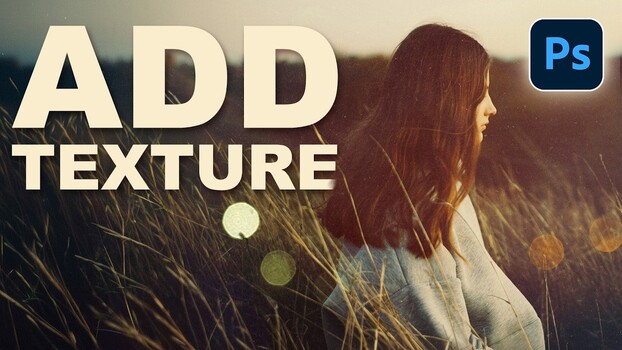
Aaron Nace of PHLEARN demonstrates a non-destructive workflow for adding texture overlays in Photoshop. The tutorial covers stacking multiple texture layers using blending modes, opacity adjustments, and layer masks. Nace shows how to invert textures for different effects and use Hue/Saturation to match colors. A lighting effect is added with Screen mode, and layer masks are used to refine placement. The process concludes with color grading using Photoshop's Camera Raw filter on a smart object to unify the textures.
Key points
- Texture overlays can alter a photo's mood and are controllable in Photoshop.
- Use blending modes (Lighten, Linear Dodge, Multiply, Screen) and opacity for texture effects.
- Layer masks and inversion (Ctrl+I) allow precise control and non-destructive edits.
- Camera Raw filter unifies textures through color grading for a polished look.