
A Better Way to Bulk Denoise in Lightroom Classic
Summary
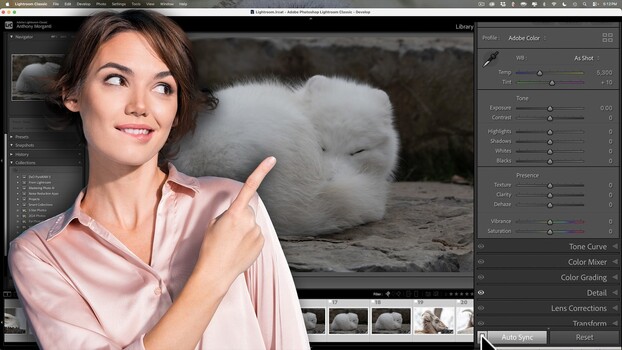
Anthony Morganti demonstrates a detailed method for bulk denoising in Lightroom Classic, emphasizing the importance of sorting images by ISO before processing. This approach prevents detail loss that can occur with faster, less precise shortcuts, especially when a shoot includes images with different ISO values. By selecting higher ISO images and using Auto Sync, users can apply Denoise independently to each file, ensuring optimal noise reduction without compromising fine detail. Morganti also highlights the difference between Sync and Auto Sync for applying edits in bulk to groups of similar images.
Key points
- Sort images by ISO before bulk denoising in Lightroom Classic to maintain detail.
- Faster denoising shortcuts can apply incorrect noise reduction strength to mixed ISO images.
- Use Auto Sync for independent Denoise processing on selected higher ISO images.
- Understand Sync vs. Auto Sync for effective bulk editing of grouped images.